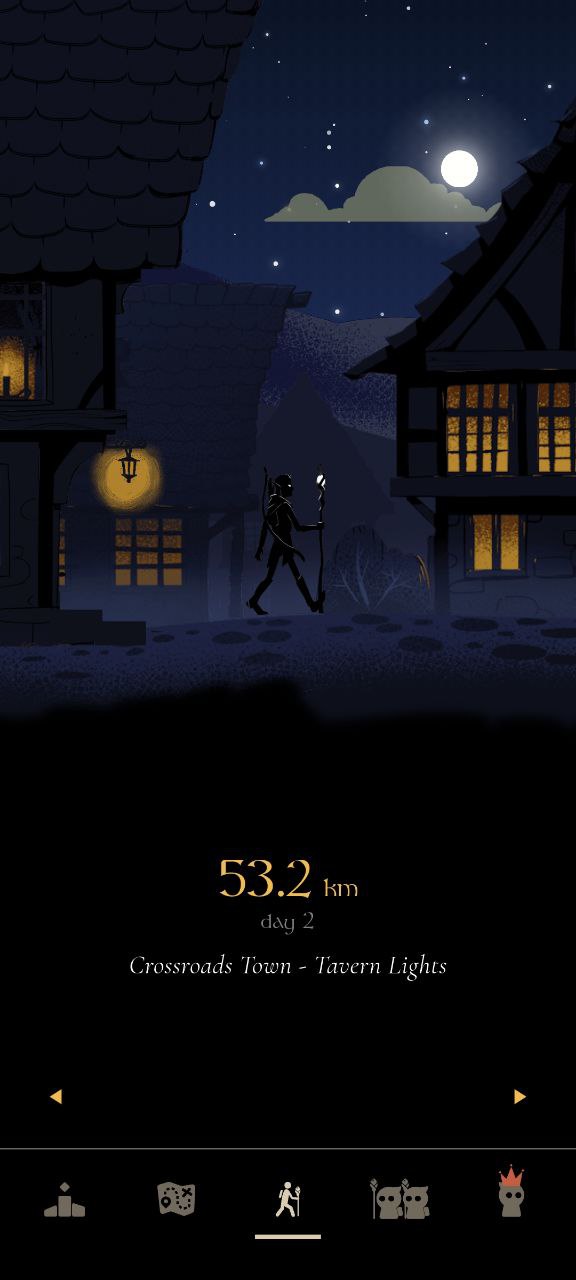
For a free pedometer app on Android without ads, MistyWay is one option if you want step tracking plus a walking game. It is free to install, has no ads, reads steps through Health Connect or supported device step sources, and does not need GPS route tracking. The free plan still records your full physical step total; up to 3,000 steps per day advance journey progress. Premium removes that game-progress cap.
If you only want a plain step total, compare Google Fit and Samsung Health. Their official pages describe sensor-based step tracking, but device support and permissions vary. On iPhone, Apple Health uses built-in sensors to capture steps.
- Android, no ads, game motivation: MistyWay, with a disclosed 3,000-step daily journey-progress limit on the free plan.
- Android, plain activity view: Google Fit or Samsung Health on supported devices.
- iPhone, built-in step total: Apple Health.
- No-GPS priority: choose an app that can use sensor or health-platform step data, then review every requested permission.
- More options: compare our broader step counter app guide.
Android Pedometer Options: Quick Comparison
| App | Platform | Step Source | GPS / Location | Free-Use Note |
|---|---|---|---|---|
| MistyWay | Android, iPhone | Health Connect, Apple Health, supported device sources | No GPS route tracking required | Free install, no ads; 3,000-step daily journey cap |
| Google Fit | Android, Wear OS | Phone or watch sensors | May use location for workout routes | Free install on Google Play |
| Samsung Health | Android, Galaxy Watch | Phone or watch pedometer | Depends on feature and permissions | Availability varies by device and region |
| Apple Health | iPhone, Apple Watch | Built-in device sensors | Not required for basic step counting | Included with supported Apple devices |
“Free” can mean free to install with optional purchases, a system app included with a phone, or a free plan with limits. Check the current store listing, the paywall terms, and recent reviews before installing. The comparison above was checked against official provider pages on July 20, 2026.
Why Ad-Free Matters
A pedometer is often a glance-and-go tool. An ad-free app lets you check progress without waiting for banners, interstitials, or rewarded videos. That matters most when you open the app several times a day.
Ad-free does not automatically mean private. Review the app's data-safety label and privacy policy separately. Google explains that Health Connect stores data on-device and lets you control app permissions, while connected apps may retain their own copies of data they handle.
Plain Step Counters on Android and iPhone
If you do not want quests or social features, start with a provider-supported activity app:
- Google Fit (Android) — its official Google Play listing says it uses Android phone or Wear OS sensors, tracks Steps and Heart Points goals, and can record routes for workouts.
- Samsung Health (Android) — Samsung says its app uses the pedometer on a connected phone or Galaxy Watch; it also warns that step counts are estimates affected by movement and phone placement.
- Apple Health (iPhone) — Apple says built-in iPhone sensors capture steps and other walking data automatically.
Choose one of these when a basic activity view is enough. Check device compatibility first: availability, sensor behavior, and connected-app support can differ across Android phones and regions.
Check Data Use Separately From Ads
Before granting access, check which health categories the app can read, whether it asks for location, whether it requires an account, what it stores on servers, and how deletion works. A no-ad label does not answer those questions.
MistyWay does not request GPS location for step tracking. Its privacy policy discloses that it processes step counts, account or guest identifiers, device information, feature-use analytics, and error logs. We do not sell personal data or send health data to advertising or analytics providers; infrastructure providers may process encrypted health data to host and secure the service.
Free Pedometer App With Game Motivation
A plain counter shows a number. A walking game connects that number to quests, a map, achievements, or friend competition. If that is the reason you want a separate pedometer app, compare the free-plan limits as carefully as the feature list.
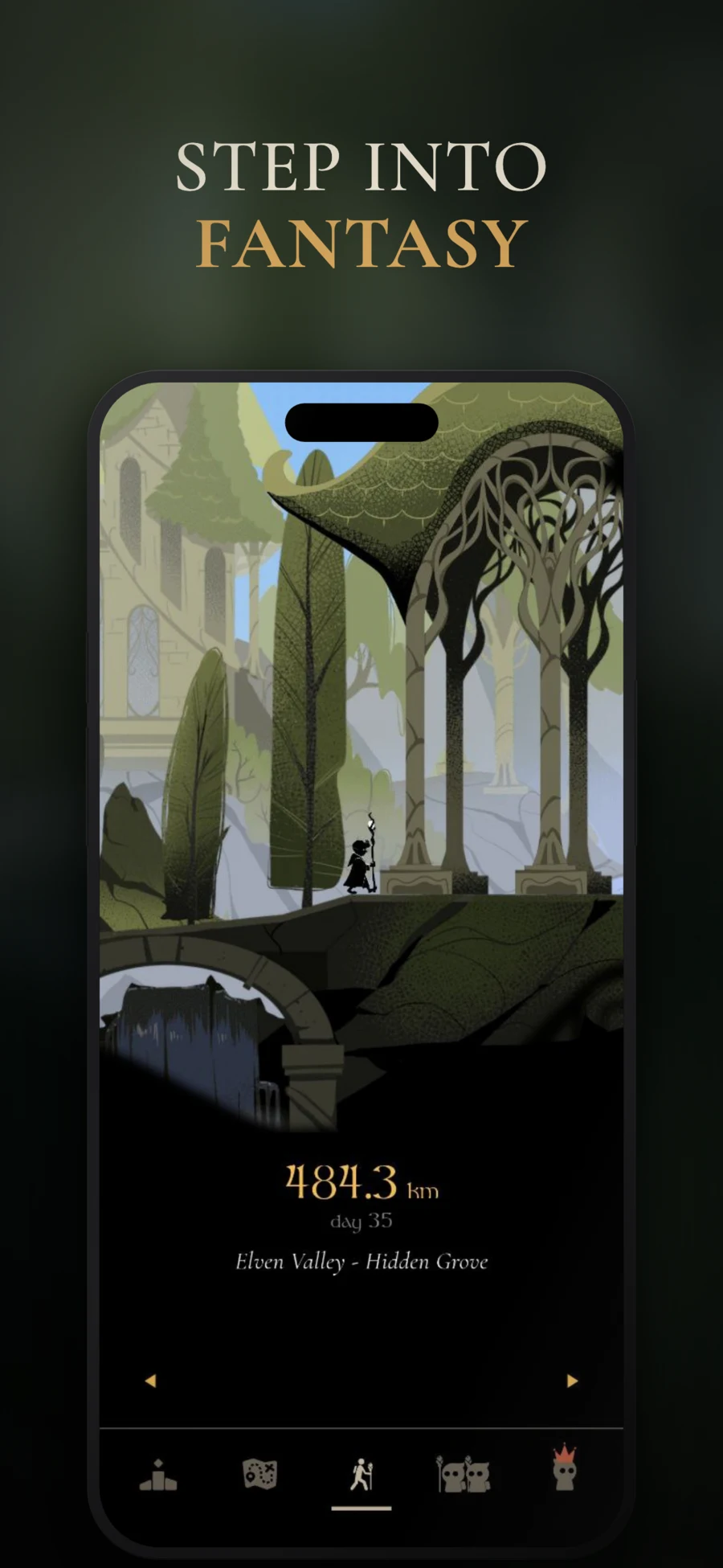
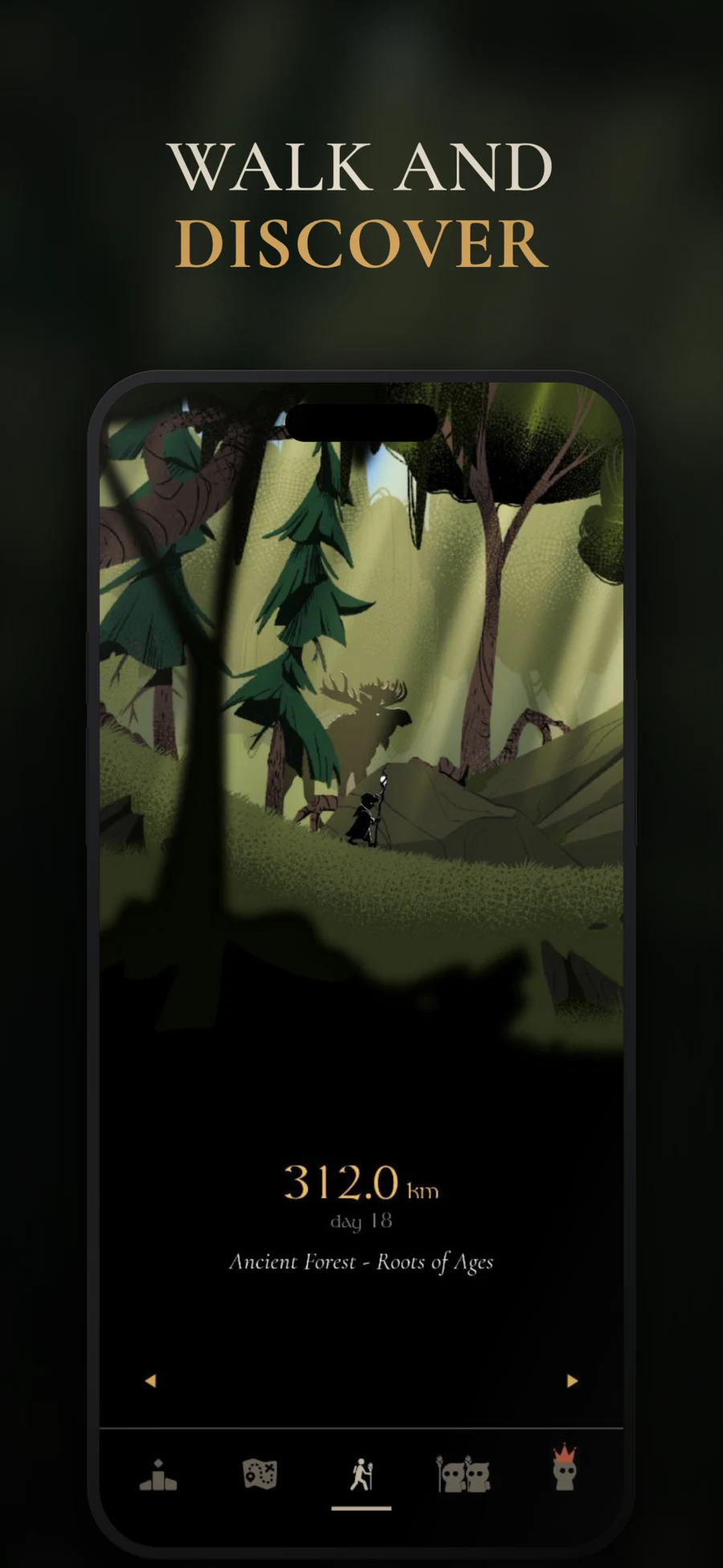
MistyWay: Free Pedometer App for Android With No Ads
MistyWay is a fantasy walking RPG where real-world steps power a journey through 45 hand-drawn locations. It is free to install on Android and iPhone, includes optional in-app purchases, and contains no ads:
- Full physical step totals continue to be recorded on the free plan
- Up to 3,000 steps per day advance journey progress on the current default free plan
- No banner ads, no interstitials, no video rewards
- No GPS route tracking required for step counting
- Reads Apple Health on iPhone and Health Connect or supported step sources on Android
- Friends and leaderboards remain available without Premium
Premium removes the daily journey-progress cap and adds paid features. That makes MistyWay a free-to-install, ad-free pedometer game with a usable free plan — not an unlimited-free app. Check the current Google Play listing or App Store listing before installing because subscription features and prices can change.
Try the ad-free pedometer game — MistyWay is free to install, works without GPS route tracking, and turns steps into quests.
What to Look For
- No ads in the free tier — check the current store description and recent reviews.
- Clear free-plan limits — distinguish recorded steps from steps credited to a game, challenge, or reward.
- Compatible step source — confirm support for your phone, watch, Apple Health, or Health Connect setup.
- Clear data policy — understand what stays on-device, what reaches the app's servers, and how to delete it.
- GPS only when useful — basic step counting can use sensors, while route maps and some workout features may use location.
- Motivation that fits you — a bare counter is fine. Gamification is fine. Know which one you will actually open tomorrow.
The Bottom Line
If your Android requirement is free installation, no ads, no GPS route tracking, and a game layer, MistyWay meets those criteria with one important limit: the default free plan credits up to 3,000 steps per day toward journey progress. For a plain activity view, compare Google Fit and Samsung Health. On iPhone, Apple Health already captures steps with built-in sensors.
Free to install on iOS and Android. Have a smartwatch? Here's how to connect Garmin, Fitbit, or Apple Watch. Curious how many steps you need? Read the truth about 10,000 steps. And learn why MistyWay doesn't track your location.
Want more than just step counting? See our best walking games guide. Looking for apps that pay you to walk? Read our apps that pay you to walk guide or the Sweatcoin alternatives comparison.
FAQ
Is there a free pedometer app for Android without ads?
Yes. MistyWay is free to install on Android and has no ads. It reads step data through Health Connect or supported device sources and does not need GPS route tracking. The free plan records your full physical step total, but only up to 3,000 steps per day advance journey progress; Premium removes that game-progress cap.
Does a pedometer app need GPS to count steps?
No. Basic step counting can use phone motion sensors or step data from Apple Health or Health Connect. GPS may be used for route maps, pace, or other location features, but it is not required for MistyWay's basic step tracking.
Is MistyWay completely free?
MistyWay is free to install on iPhone and Android and has no ads. The free plan records all physical steps and includes walking and social features, but journey progress is limited to 3,000 steps per day. Premium removes that cap and adds paid features, so MistyWay is not an unlimited-free app.