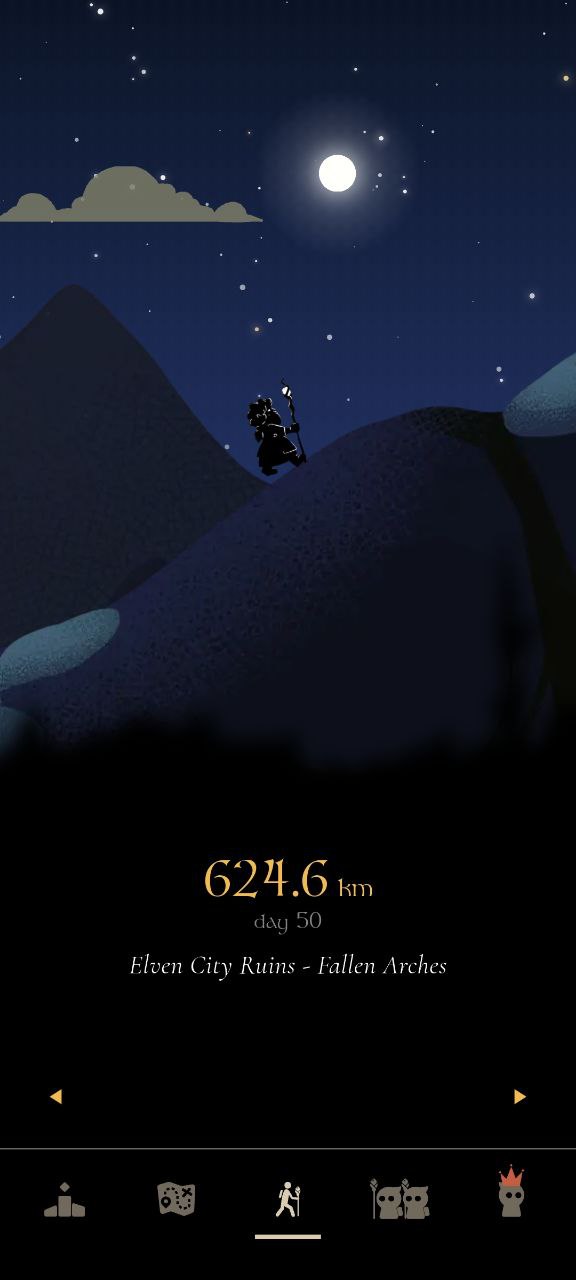
MistyWay reads steps from Apple Health (iOS) and Health Connect (Android). It does not connect directly to wearables and does not use GPS. Whatever device you use, the goal is the same: get your steps into your phone's health platform, and MistyWay picks them up automatically.
Apple Watch
Nothing to configure. Apple Watch writes steps directly to Apple Health, and MistyWay reads from Apple Health. As long as you granted MistyWay permission to read Steps during setup, your progress updates automatically. You do not need to open MistyWay while walking.
Garmin (Forerunner, Fenix, Venu, Vivoactive)
On iOS
- Open Garmin Connect app.
- Go to Settings → Health & Wellness.
- Enable Write to Apple Health and allow Steps.
- Sync your Garmin device. Steps appear in Apple Health, MistyWay reads them.
On Android
- Open Garmin Connect app.
- Go to Settings → Health Connect.
- Enable sync and grant permission to share Steps.
Fitbit (Charge, Inspire, Versa, Sense)
On iOS
- Open Fitbit app → tap profile photo.
- App Settings → Health & Fitness.
- Enable Sync with Apple Health and turn on Steps.
On Android
- Open Fitbit app → Profile → App Settings.
- Find Health Connect and enable it.
- Grant permission to share Steps.
Samsung Galaxy Watch
- Open Samsung Health app.
- Settings → Connected Services → Health Connect.
- Enable sync and allow Steps.
- Confirm MistyWay has read permission in Health Connect → App permissions.
Samsung Health does not integrate with Apple Health, so this path is Android only.
Polar, Suunto, and Withings
Same pattern as Garmin and Fitbit. Each companion app offers a way to sync to Apple Health (iOS) or Health Connect (Android):
- Polar Flow: Settings → Apple Health / Health Connect → enable Steps.
- Suunto app: Profile → Connections → Apple Health or Health Connect.
- Withings Health Mate: Settings → Partner Apps → Apple Health or Health Connect.
Treadmill (No Watch Required)
You do not need a wearable. Your phone's built-in accelerometer detects walking motion directly. Keep your phone in your pocket on a treadmill and MistyWay will count those steps. On Android, MistyWay runs a native pedometer in the background, so steps accumulate even when the app is closed.
Quick Reference
| Device | iOS | Android |
|---|---|---|
| Apple Watch | Automatic | N/A |
| Garmin | Garmin Connect → Apple Health | Garmin Connect → Health Connect |
| Fitbit | Fitbit app → Apple Health | Fitbit app → Health Connect |
| Samsung Watch | N/A | Samsung Health → Health Connect |
| Polar / Suunto / Withings | Companion app → Apple Health | Companion app → Health Connect |
| Treadmill (no watch) | Phone accelerometer → Apple Health | Built-in pedometer |
Troubleshooting
Steps not counting at all
- iOS: Settings → Privacy & Security → Health → MistyWay → make sure Steps is toggled on.
- Android: Health Connect → App permissions → MistyWay → confirm Read access for Steps.
Too few steps
First, check if the correct count appears in Apple Health or Health Connect. If it's also low there, the issue is with your wearable sync, not MistyWay. If the health platform shows the right number but MistyWay does not, check Android battery optimization: Settings → Apps → MistyWay → Battery → set to Unrestricted.
Does it count driving?
No. MistyWay uses the pedometer (accelerometer), not GPS. Only walking and running motion is detected. Driving, cycling, and car travel do not register as steps.
Once your steps are syncing, check out how to build a daily walking habit and learn about what makes MistyWay different from other walking apps.