

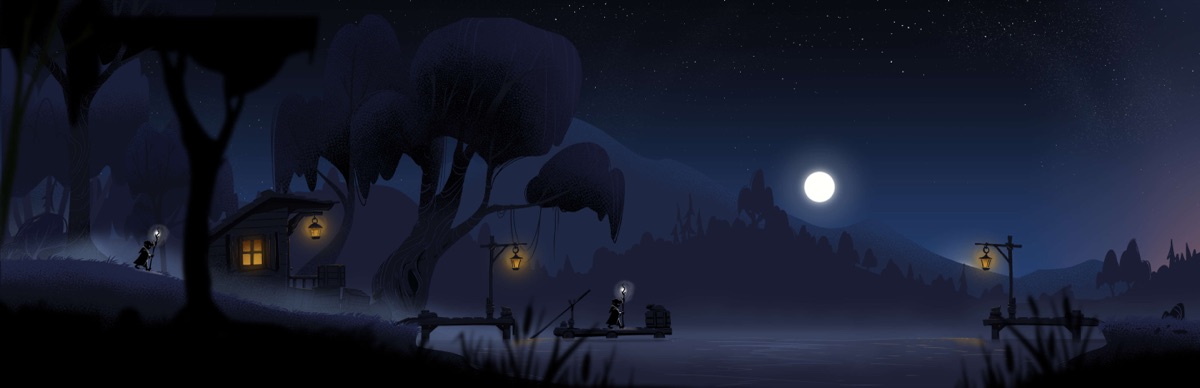
A new quest every Monday
Weekly challenges adapt to your walking history, with a pace that grows with you.
Follow the fireflies
Your everyday steps carry you through a world drawn by hand. Uncover the map. Discover the story.
Free to start. No ads. No GPS tracking.
A glimpse of your journey
Real steps. Another world.
Tap a screenshot to explore it.
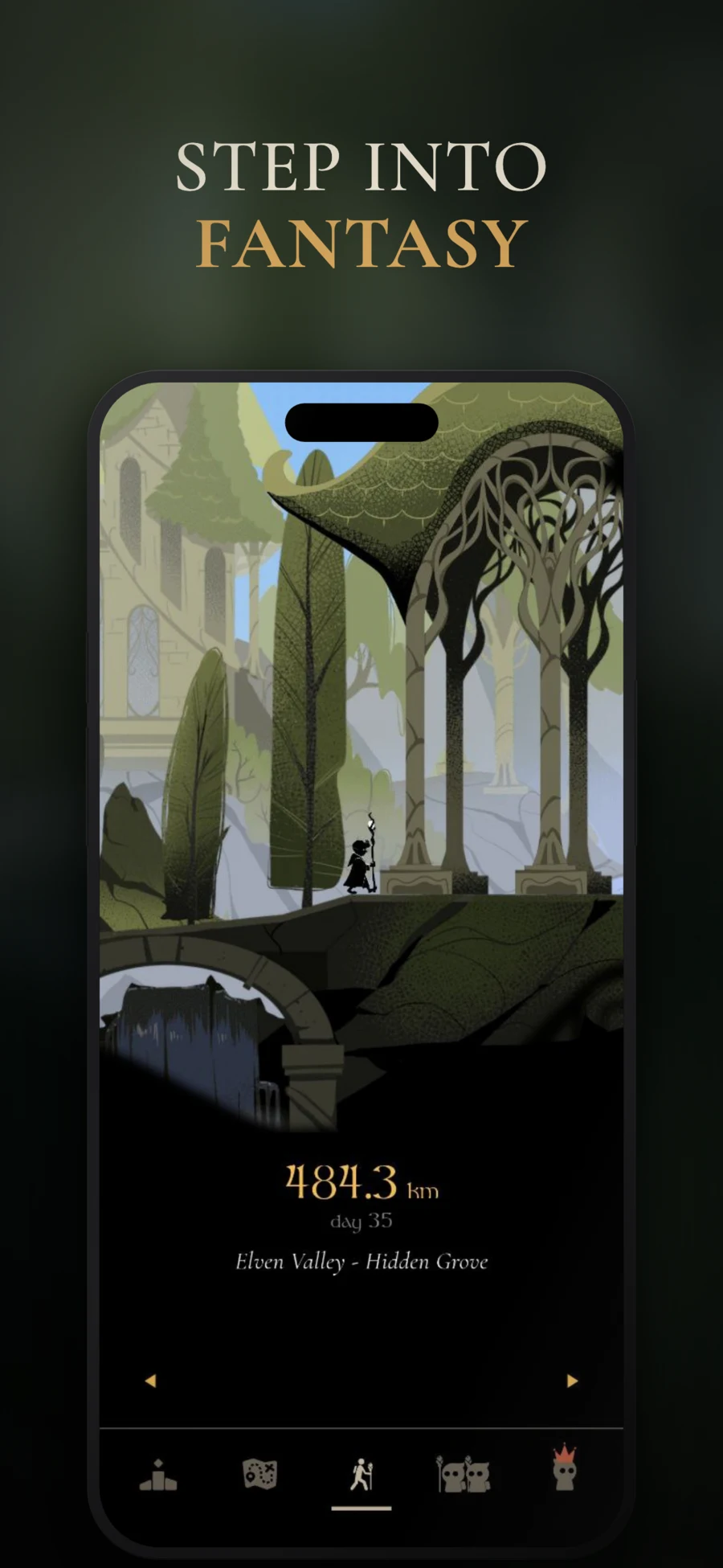
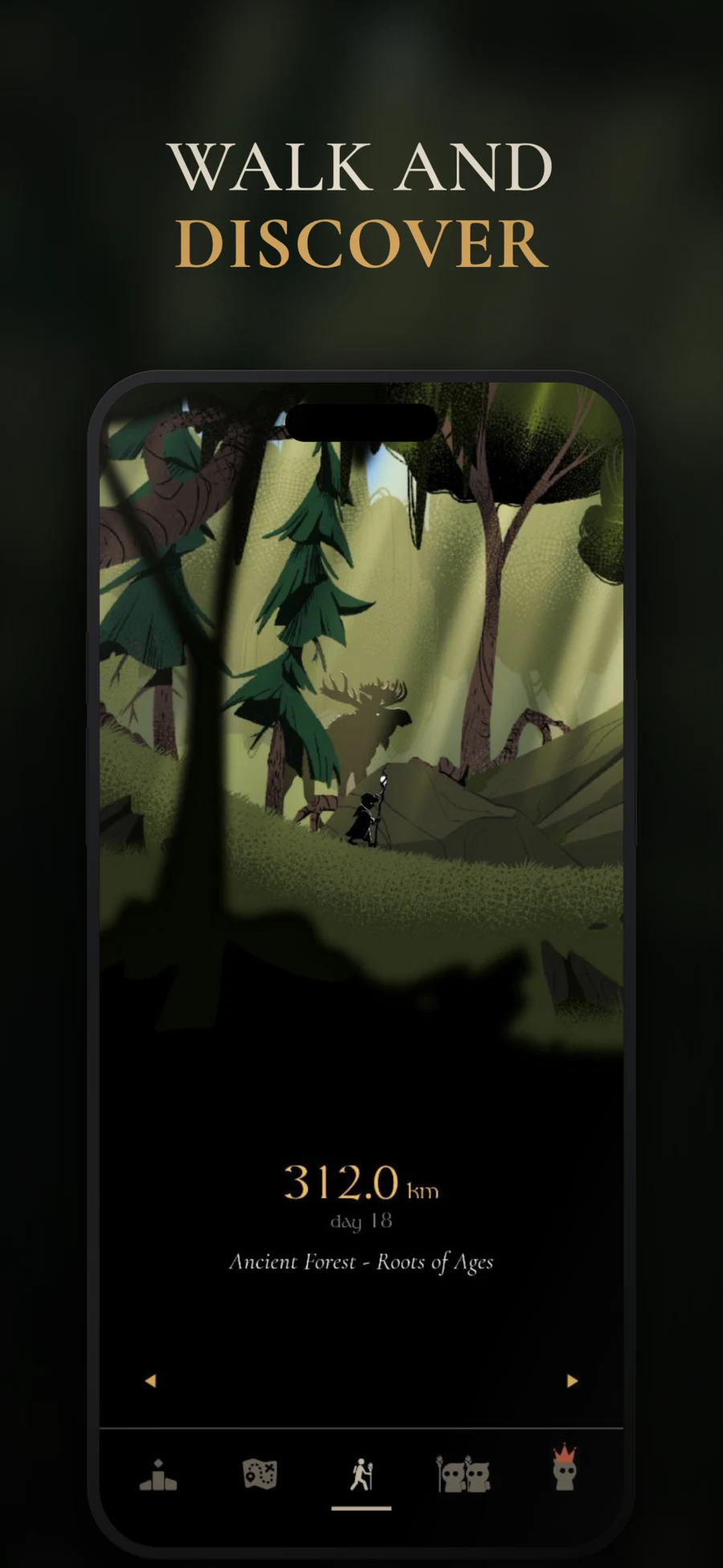
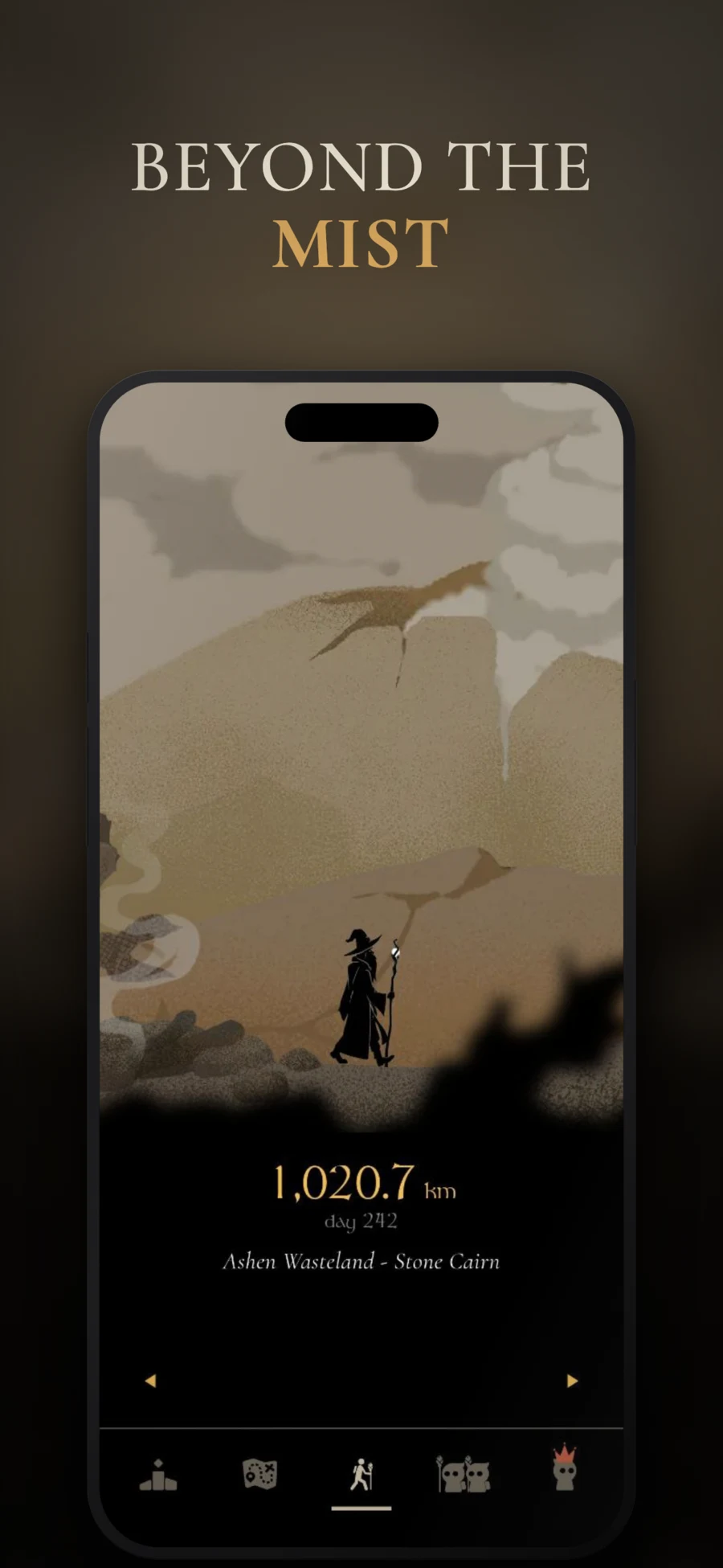
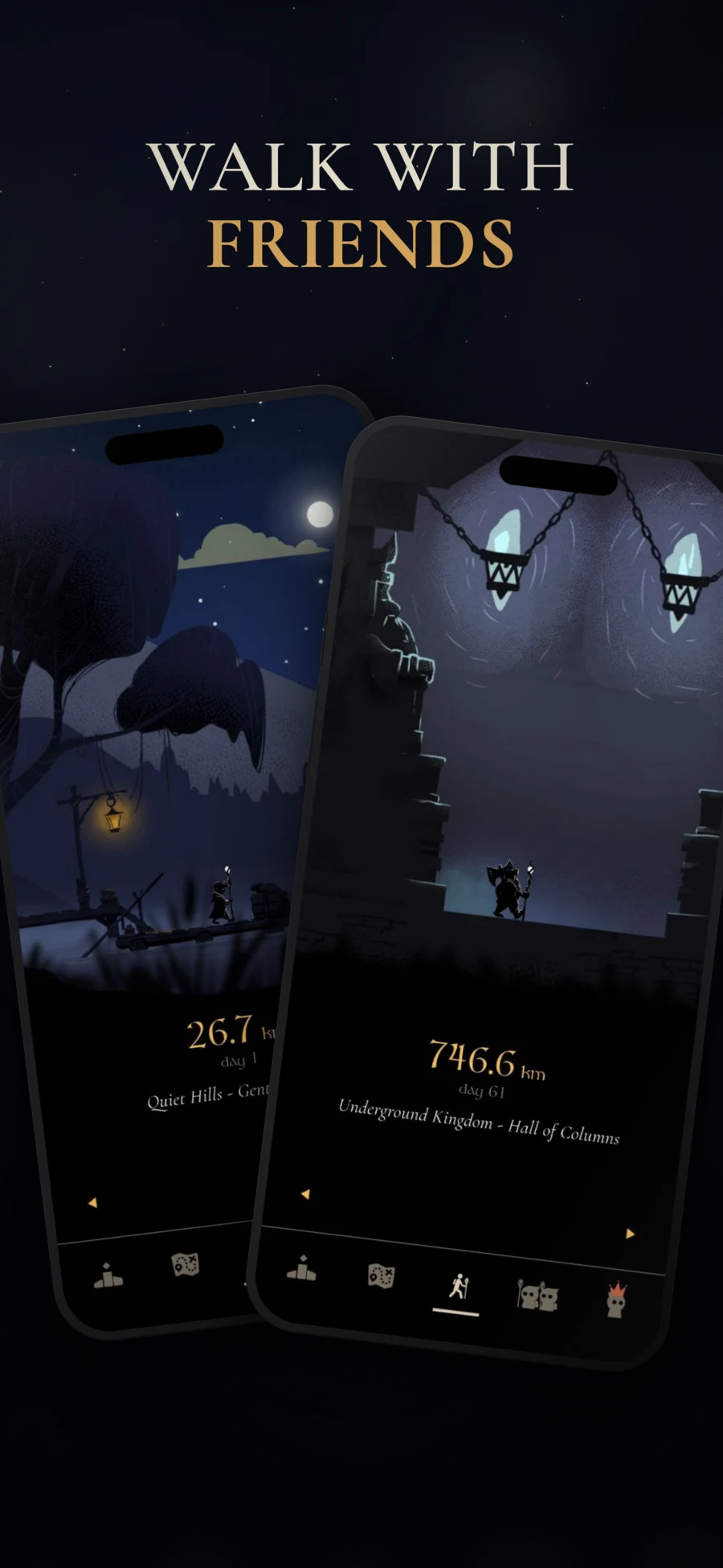
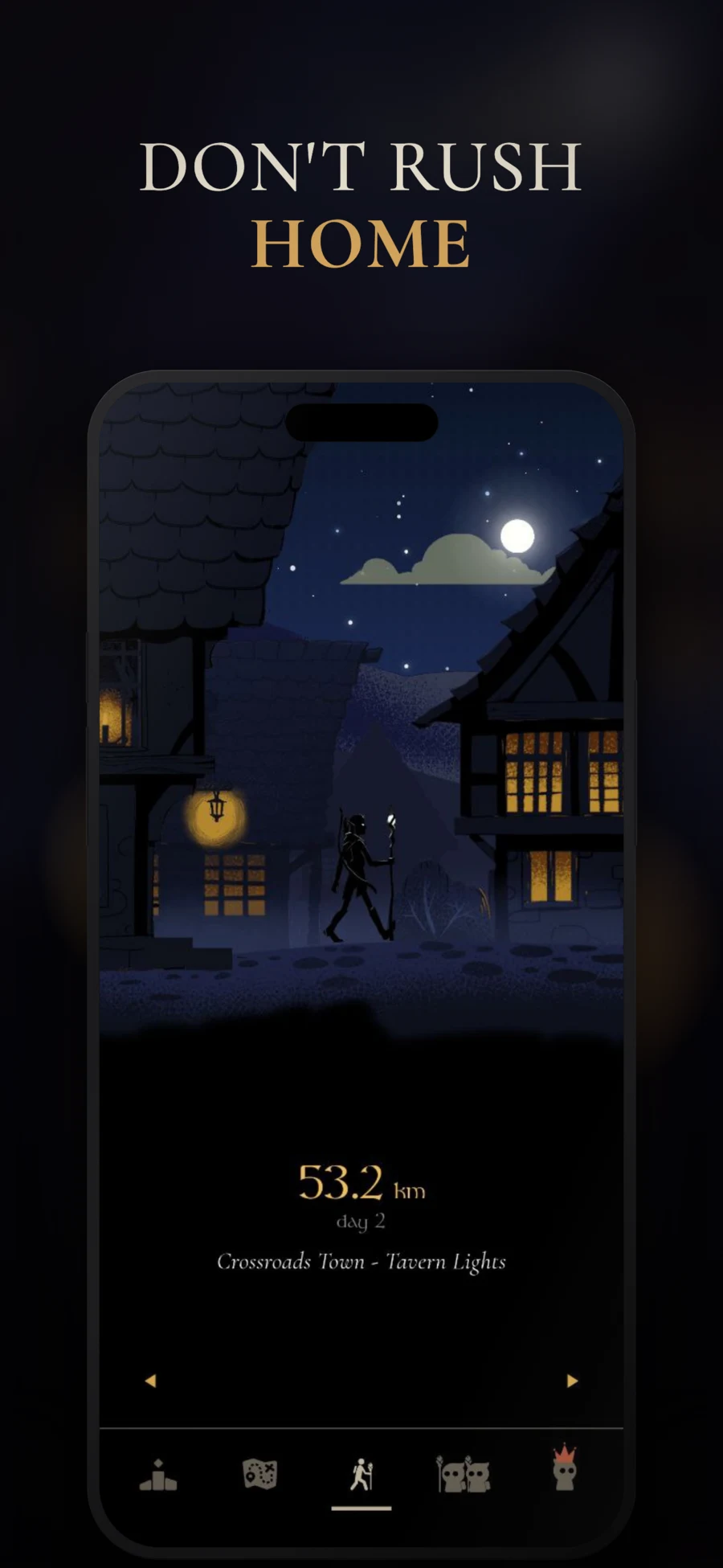
A world worth walking through
From quiet hills and ancient ruins to enchanted forests, every location reveals another chapter. Clear the fog with your steps and follow 50+ story quests across a 1,500 km journey.
Made with care
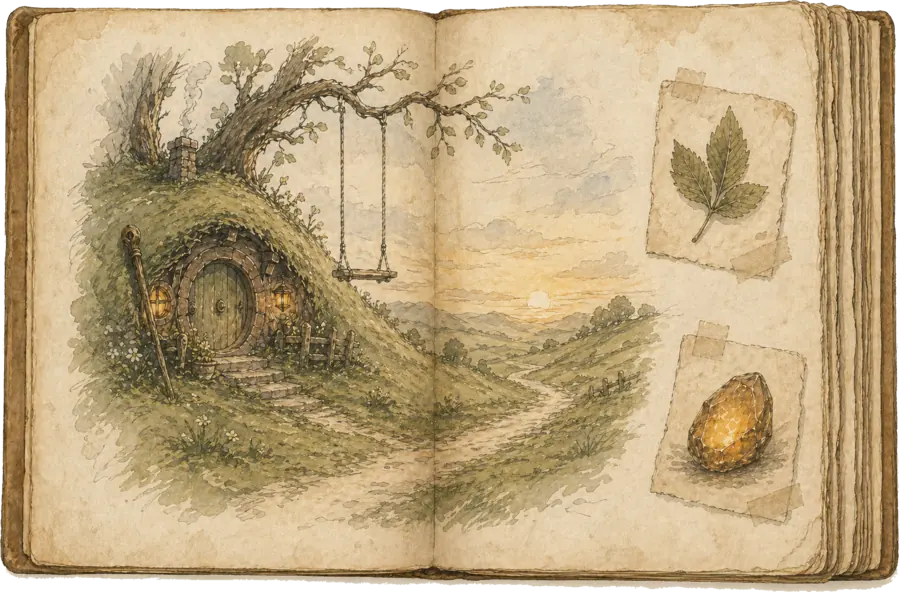
Real artists. Original music. A story waiting beyond the next hill. We made MistyWay for the joy of getting lost in a world, one ordinary walk at a time.
Landscapes by Karina Misik & Zaruhi Shamiryan. Music by Nikolai Inshakov. Story by Alexander Veselov.
The journey is simple
To the shops, around the block, or on a treadmill. Your phone counts the steps; you set the pace.
Advance through 45 hand-drawn locations. Reveal new paths and discover the stories along the way.
Take on weekly quests, build a walking streak, and share the journey with friends.
More reasons to take the next step
Weekly challenges adapt to your walking history, with a pace that grows with you.
Build walking streaks, use freeze protection when life gets in the way, and unlock 40+ achievements.
Add friends for free, compare your progress and leave notes for them to discover on the map.
Original music by Nikolai Inshakov accompanies the journey, from peaceful valleys to volcanic wastelands.
Before you set off
MistyWay is a fantasy walking game. Steps from your phone's health platform move your character through journeys, quests, streaks, achievements, and a shared leaderboard.
Install MistyWay, complete onboarding, connect Apple Health on iPhone or Health Connect on Android, choose a character, and set a daily goal. Only steps after account creation on that signup day can count.
Open Profile. Use Settings to change your daily goal, or choose Change Character to select another character. A new goal applies going forward and does not rewrite past days.
Finishing a journey does not stop your stats, streaks, or achievements. Premium members can start another journey from Profile → Settings → Restart Journey.
MistyWay reads Apple Health on iPhone and Health Connect on Android. It does not use GPS route tracking.
Apple Watch steps can count through Apple Health. MistyWay has no direct Fitbit, Garmin, Samsung, or Oura account integration. A wearable's steps can count only when its companion app writes Steps to Apple Health or Health Connect and MistyWay has permission to read them.
MistyWay has no Add Steps button. It imports the totals available from Apple Health or Health Connect.
First check the total in Apple Health or Health Connect, then check MistyWay's permission and reopen the app. On Android, also confirm that the wearable or phone app shares Steps into Health Connect. For help, send the affected date, device, OS, app version, and screenshots of the source total and permissions. Never send passwords, verification codes, or full card details.
A streak is based on synced steps meeting the goal stored for that day, not on opening the app. Changing your goal does not rewrite earlier days. Open the app after reaching your goal so the latest steps can sync. A freeze can protect an eligible missed day when available.
Each weekly quest has one total step goal for the displayed quest period. It is not a goal repeated every day. Only steps within that quest's start and end dates count, and quest steps are not capped. There is no penalty for an unfinished quest.
The free tier currently limits journey game progress to 3,000 steps per day; it does not change your raw real-world step statistics. Premium removes that daily journey cap. Exact subscription prices, family options, and introductory offers vary by country and platform and are shown by the App Store or Google Play before purchase. MistyWay takes no direct payments.
Existing synced records after account creation can be eligible for uncapped recalculation. MistyWay cannot add missing days that Apple Health or Health Connect did not supply.
Premium members can use Profile → Settings → Restart Journey. It resets steps, days, and map progress for the current journey and cannot be undone. It does not remove your achievements or data in Apple Health or Health Connect.
The core friends list and leaderboard are free. Your first lifetime note is free; additional notes require Premium. Notes are permanent, cannot be edited or deleted, and friends can read or react to them. Do not put private information in a note; report abuse in the app.
Use Settings → Restore Purchases while signed in to the same MistyWay account and store account used to buy. Apple and Google use separate billing systems, so cross-platform receipt restoration is not guaranteed. The App Store or Google Play controls billing, cancellation, and refunds.
MistyWay does not accept direct card, bank, or crypto payments outside the App Store or Google Play. Gift and family options are available only when shown in the app and can depend on region, account, and platform. Never share store or MistyWay login details.
Link or sign in to your account before changing phones. A guest profile can be lost after sign-out or reinstall. Use the same linked account on the new phone to restore available account progress; health data availability can differ between platforms.
MistyWay does not use GPS route tracking. It may use timezone information for day-based features. We do not sell personal data. Service providers process account, usage, and purchase data as described in the Privacy Policy; step and health metrics are not sent to advertising or analytics providers.
Use Settings → Delete Account in the app, visit the Delete Account page, or contact support. Deleting a MistyWay account does not cancel an App Store or Google Play subscription; cancel that separately through the store.
Use Contact Support in the app or email support@mistyway.app. Include the affected date, device, OS, app version, and relevant screenshots, but never send passwords, verification codes, or full card details.
For the road ahead
The fireflies are waiting
Make your next walk the start of something wonderful.